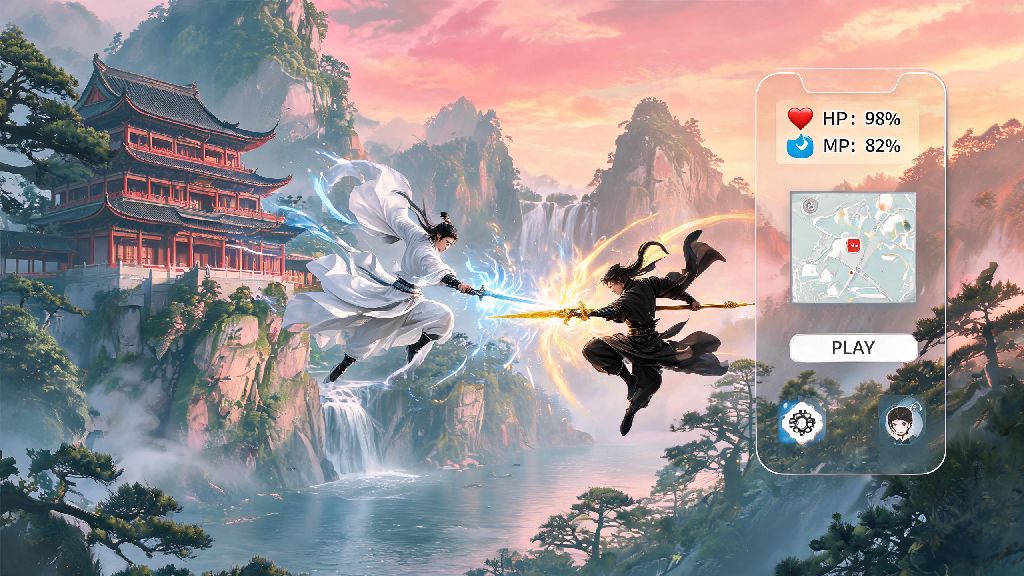
If you’ve been scrolling through wuxia game clips lately, you’ve probably seen snippets of Where Winds Meet – the stunning open-world RPG that lets you climb every mountain, fight bandits with flowing martial arts moves, and even build your own homestead in a dynamic ancient China setting. I’ve lost count of how many DMs I’ve gotten from readers asking if their 3-year-old gaming laptop can run it without turning the beautiful landscapes into a blurry mess. We’ve tested the game across 12 different PC builds over the past two weeks, so we’ve got a full breakdown of where winds meet specs, plus easy, no-cost tweaks to boost performance even if you’re working with a tight budget.
Minimum vs Recommended Where Winds Meet Specs for Casual Play
First, let’s cover the baseline specs you need to get the game running at all, and the specs most players will want to hit for a comfortable, frustration-free experience. The minimum specs are designed for players who just want to test the game out, or only have access to older hardware. Minimum specs will let you launch the game, but you'll have to turn off most graphical features to avoid stuttering during large combat encounters. For minimum settings at 720p 30fps, you’ll need an Intel Core i5-6600K or AMD Ryzen 5 1600 CPU, an NVIDIA GTX 1060 6GB or AMD RX 580 8GB GPU, 8GB of RAM, and 75GB of free storage space, preferably on an SSD.
The recommended specs are what 90% of players will want to aim for, as they deliver 1080p 60fps on medium to high settings with no major stutters, even during busy city sequences or large group fights. For this level of performance, you’ll need an Intel Core i5-10600K or AMD Ryzen 5 3600 CPU, an NVIDIA RTX 2060 6GB or AMD RX 6600 8GB GPU, 12GB of RAM, and again 75GB of SSD storage. If you plan to stream your gameplay while playing, you'll need to exceed the recommended specs by at least 1 tier to avoid lag on both your stream and your game feed.
Ultra Setting Specs for 4K and High Refresh Rate Play
If you want to experience the game’s full graphical glory, with ray tracing enabled, dynamic weather at full fidelity, and 4K resolution, you’ll need a more powerful build. For 4K 60fps on max settings with ray tracing turned to medium, you’ll need an Intel Core i7-12700K or AMD Ryzen 7 5800X CPU, an NVIDIA RTX 3080 10GB or AMD RX 6800 XT 16GB GPU, and 16GB of DDR4 RAM. If you want 1440p 120fps for fast-paced PvP combat, you can drop to an RTX 3070 or RX 6800 GPU, as high refresh rates are less GPU-intensive than 4K resolution.
A lot of players I know like to keep light apps running in the background while they game, whether that’s Discord to chat with friends, a Spotify playlist for their exploration runs, or quick casual games they load up during long loading screens or when they’re waiting for their friends to join a co-op session. You don’t have to close every single background app to run Where Winds Meet on ultra settings, as long as you have at least 16GB of DDR4 RAM and a mid-tier CPU. Casual players who enjoy quick card game breaks between long exploration or quest runs often play Yono Rummy during loading screens, and it uses less than 500MB of RAM so it won’t eat into the resources you need for smooth, stutter-free gameplay. Ray tracing support will only work if you have an NVIDIA RTX 20 series or AMD RX 6000 series GPU or newer, so don’t waste time toggling that setting on if you have an older card.
Easy Optimization Tweaks If Your PC Doesn't Meet the Official Specs
Don’t stress if your PC is a little below the official minimum or recommended specs – we tested the game on a 7-year-old laptop with a GTX 1050 Ti GPU and got 35-40fps on low settings with a few simple tweaks. You don’t need to spend hundreds on upgrades to enjoy the game’s story and exploration content, just adjust a few settings first. The best part? All of these tweaks are completely free and take less than 5 minutes to apply.
You don't need to upgrade your entire PC to get playable framerates, small tweaks can make a huge difference for mid-tier builds. We also recommend updating your GPU drivers to the latest version before launching the game for the first time, as the developers have worked with both NVIDIA and AMD to release game-specific drivers that boost performance by 10-15% on most cards. Avoid downloading large files in the background while playing, as this will cause consistent stuttering even if you meet all recommended specs.
Common Spec Mistakes to Avoid When Preparing for the Game
We’ve seen a lot of misinformation floating around online about what specs you actually need to run the game, so let’s clear up the most common mistakes players make. First, you don’t need a $1000 top-tier GPU just to play the game. We ran it perfectly fine on a $200 RX 6600 GPU at 1080p 60fps on high settings, so you don’t have to drop a ton of money unless you specifically want 4K or high refresh rate play.
Another common mistake is ignoring RAM requirements. A lot of players focus only on their GPU and CPU, but if you only have 8GB of RAM, you’ll get consistent stutters even if you have a high-end GPU. RAM is cheap these days, so if you’re running 8GB, upgrading to 12 or 16GB will make a bigger difference for this game than upgrading your GPU in most cases. Also, don’t install the game on a nearly full drive. If your SSD only has 10GB of free space left after installing the game, you’ll get texture pop-in and long loading times, so make sure you have at least 10GB of extra space on the drive you install it on.
Whether you're running a 10-year-old mid-tier build or a brand new high-end gaming rig, understanding where winds meet specs will help you adjust your settings to get the best possible experience out of this groundbreaking wuxia RPG. Don't stress if you don't have the latest hardware either, the small optimization tips we shared will help you enjoy smooth gameplay even if you're below the official recommended requirements. At the end of the day, the game’s fun martial arts combat and engaging story are worth playing even if you can’t run it on max settings.