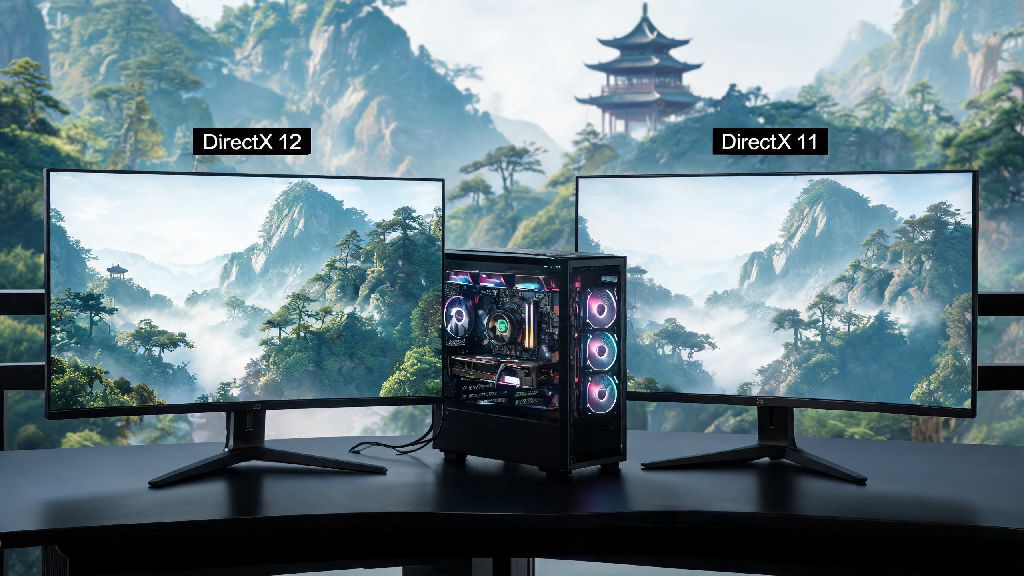
If you’ve spent hours exploring the lush, wuxia-inspired open world of Where Winds Meet alone, you’ve probably wondered how to team up with friends or test your skills against other players in multiplayer. A lot of new players struggle to figure out where winds meet online mode access points, since the feature is tucked behind a short early-game quest that many skip over in their rush to explore the map. This guide will walk you through every step of getting into online play, fixing common issues, and getting the most out of your multiplayer sessions, no advanced tech knowledge required.
How to Unlock Where Winds Meet Online Mode Step by Step
You won’t have access to multiplayer right when you start the game, and that’s intentional. The developers lock online features behind the “Village Rescue” main quest to make sure you have a basic grasp of combat, movement, and game mechanics before you play with other people. This quest takes roughly 45 minutes to an hour to complete, depending on how much you stop to explore side paths along the way.
You don’t need to purchase any extra DLC to access online mode, it’s included for free with all base game copies. Once you finish the Village Rescue quest, don’t skip the post-quest cutscene, because that’s where the multiplayer tab unlocks in your main menu. If you accidentally skipped the cutscene, you can still unlock the tab by restarting your game, no extra steps needed.
Once you have access to where winds meet online mode, you can switch between single player and multiplayer whenever you want from the main menu, no restart required. You’ll also get a prompt to link your platform account to the game’s official server if you want to play with cross-platform friends, but you can skip that step if you only plan to play with people on the same console or PC as you.
Key Game Modes to Try in Multiplayer
The online mode has three core game types that cater to every playstyle, whether you prefer casual collaborative play or high-stakes competitive matches. You can switch between these modes as often as you want, and progress you make in any mode carries over to your single player save file too:
The only downside to shared open world lobbies is that you might run into players who troll other users by killing NPCs or stealing quest targets, so you can always switch to a private lobby if you don’t want to deal with that. If you’re waiting for your friends to come online or you’ve hit a skill wall in ranked PvP, it’s totally fine to step away for a 10 to 15 minute break to reset your focus. A lot of players I know use short, low-stakes casual games to decompress between long multiplayer sessions, since burning out will only make your reaction times slower when you come back. Casual players who need a quick, fun distraction while they wait for their lobby to load often play Yono Slots, a casual game that fits perfectly into short break windows without pulling you too far away from your game session. When you come back to your session, you’ll have a clearer head to tackle tough boss fights or climb the ranked PvP leaderboards.
Common Online Mode Issues and Easy Fixes
Even if you’ve unlocked the mode correctly, you might run into a few common errors that stop you from joining lobbies, especially if you’re playing on PC. Most problems with where winds meet online mode are easy to fix without contacting customer support, as long as you follow these simple steps.
Connection timed out errors are usually caused by a slow internet connection or a firewall blocking the game’s server access. The easiest fix is to restart your router, or make sure the game is added to your firewall’s allowed apps list. If you’re playing on console, check that your PlayStation Plus or Xbox Live subscription is active, since you need an active subscription to access online play on most console platforms.
Cross-platform friend invite failures happen when one player hasn’t linked their account to the game’s official server. Make sure all players in your group have completed the account linking step in the settings menu, and that you’ve added each other’s official game IDs, not just your platform friend IDs. If invites still aren’t going through, have the host create a public lobby and share the lobby code with the rest of the group instead of sending direct invites.
Lag during co-op missions is often caused by having too many background apps running while you play. Close any streaming apps, file downloaders, or other online programs before you launch the game to free up bandwidth for your multiplayer session. Also, try to pick a server that’s closest to your physical location, since servers farther away will have higher ping no matter how good your internet is.
Pro Tips to Get the Most Out of Multiplayer Play
Now that you know how to access online mode and fix common issues, these tips will help you have a better experience every time you play, no matter what game mode you prefer. One of the best parts of where winds meet online mode is that you can customize your multiplayer experience to match your playstyle, whether you prefer casual co-op or competitive PvP.
Always communicate with your team during co-op boss fights or PvP matches. Even if you don’t have a mic, use the in-game ping system to mark enemy positions, loot, or objectives for your teammates. A lot of new players forget about the ping system, but it’s one of the most useful tools in the game for fast, clear communication, especially when you’re playing with random teammates you don’t know.
Don’t jump into ranked PvP until you’ve spent at least 10 hours mastering your character’s martial arts skills and combos in single player. Ranked players take matches very seriously, and you’ll have a much better time if you know how to use your character’s full kit before you fight against other real players. You can practice against AI opponents in the arena’s practice mode to test out new combos without risking your rank.
If you’re playing in open world shared lobbies, take advantage of the trading system to get rare crafting materials you can’t find on your own. A lot of veteran players will trade extra materials for common items you can collect easily in early game areas, so it’s a great way to upgrade your gear faster than you would playing alone. Never trade account information or real money for in-game items, though, since that violates the game’s terms of service and can get your account banned permanently.
Whether you want to team up with friends to beat tough bosses or test your martial arts skills against players from around the world, the where winds meet online mode adds hours of extra content to an already massive open world game. Take your time to unlock the mode correctly, learn the rules of each game type, and don’t be afraid to take short breaks when you feel frustrated to keep your play sessions fun and low-stress. With the tips in this guide, you’ll be able to jump into multiplayer without any hassle and get the most out of every online session.