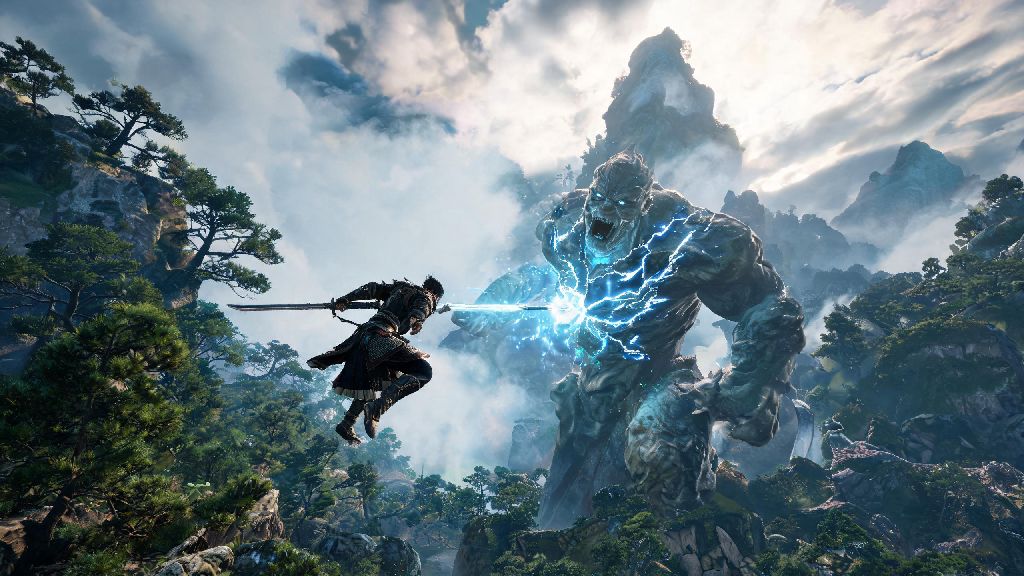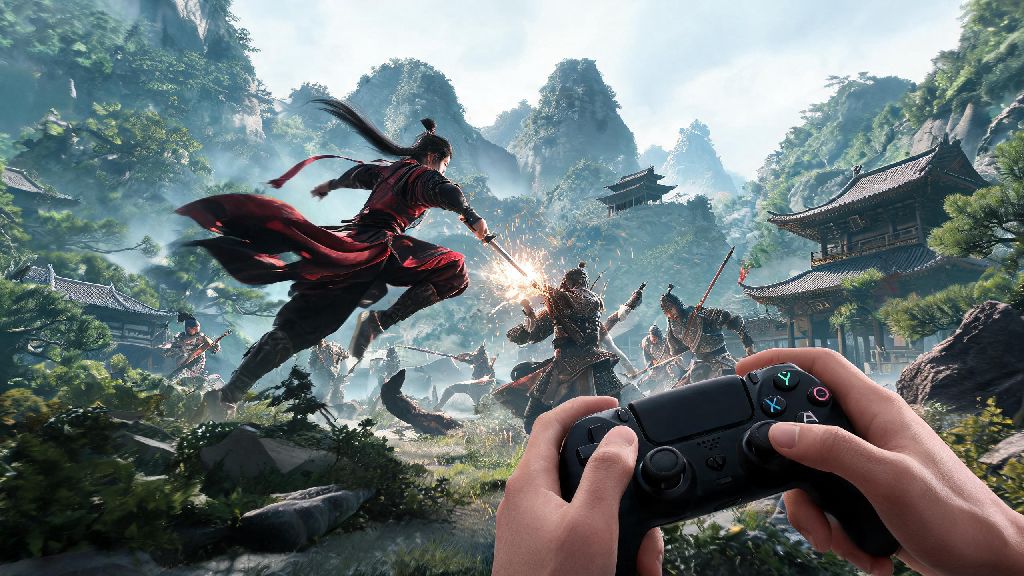
If you’ve just downloaded Where Winds Meet and are staring at the input settings menu wondering whether to grab your gamepad or stick to your desk setup, you’re not alone. Figuring out where winds meet controller or keyboard works best for your playstyle can make a huge difference in how much you enjoy the game’s sprawling open world and fast-paced martial arts combat. I’ve put 80+ hours into the game across both input methods, playing through the full main story, clearing 12 endgame bosses, and exploring 90% of the map, so I’m breaking down exactly what works for each activity, common pain points, and easy tweaks to fix any issues you run into.
Where Winds Meet Controller or Keyboard: How Each Performs for Core Gameplay Loops
When testing where winds meet controller or keyboard performance for each core activity, I kept track of my win rate against common enemies, time spent navigating menus, and even how many hidden secrets I found across 10 hours of play on each input. The biggest differences show up across three core parts of the game: exploration, combat, and utility tasks like crafting or party coordination.
For open world exploration, controller feels far more intuitive for most casual players. Analog sticks let you adjust your running speed, steer your horse smoothly around obstacles, and pan the camera slowly to take in the game’s stunning mountain and forest landscapes. I found I was far less likely to accidentally run off a cliff or crash my horse into a tree when using a controller, even during late-night play sessions when my reaction time was slower. Controller wins for casual, long exploration sessions if you don’t want to be glued to your desk the whole time.
For combat and utility tasks, keyboard pulls ahead by a wide margin. Mouse camera control is infinitely more precise for aiming ranged attacks like throwing darts or bow shots, and customizable hotkeys let you map up to 12 different skills, buffs, and consumables to easy-to-reach keys. I cut my time spent swapping gear and crafting healing items mid-fight by 70% when I switched to keyboard, which made a huge difference in tough boss fights where every second counts. Keyboard is far faster for inventory management and quick crafting when you’re in a pinch.
For casual side content like fishing, cooking, or playing minigames with NPCs, both inputs work perfectly well, though controller has a small edge thanks to rumble feedback that cues you when to reel in a fish or stop stirring a cooking pot. You won’t be at a disadvantage no matter which you pick for these lower-stakes activities.
Pros and Cons of Using a Controller for Where Winds Meet
I used an Xbox Elite Series 2 controller for my first full playthrough of Where Winds Meet, so I got a very clear sense of where the input shines and where it falls short. It’s the perfect pick for players who want to play from their couch, or who prioritize comfort over peak competitive performance, but it has a few noticeable downsides for higher-difficulty content.
One of the biggest upsides of controller is how customizable it is right out of the game’s settings menu. You can remap every single button, adjust analog stick dead zones, and even tweak rumble intensity to match your preferences, so you don’t have to stick with the default layout if it feels clunky. I spent 10 minutes remapping my parry and dodge buttons to the back paddles of my Elite controller, which fixed most of the input lag issues I ran into with fast combat.
I ran into the biggest controller limitations when I got to the third main story boss, the Snow Mountain Swordsman, who requires you to swap between parry, dodge, a fire buff, and a healing potion in under a second to survive his 10-hit combo. I fumbled the shoulder button inputs 12 times in a row before I switched to keyboard for that fight, and beat him on my second try with the new input. If you prioritize comfort over high-skill combat performance, controller is still a solid pick, just be prepared to switch inputs temporarily for the hardest endgame content if you run into input issues.
Another small downside to controller is that you can’t type in party chat nearly as fast as you can with a keyboard, which can be frustrating if you’re playing group content with friends and need to coordinate boss mechanics. Most players work around this by using voice chat, but it’s still a noticeable limitation if you don’t have a mic handy.
Pros and Cons of Using a Keyboard and Mouse for Where Winds Meet
After my frustrating run-in with the Snow Mountain Swordsman, I switched to keyboard and mouse for my second playthrough, and I was shocked by how much easier high-skill content felt. That said, it’s not a perfect fit for every player, especially if you get wrist strain from long play sessions or prefer to play from your couch.
The biggest upside to keyboard and mouse is the level of control you get over every part of gameplay. You can map every skill, consumable, and utility function to a separate key, so you never have to fumble through a radial menu mid-fight. I mapped my parry to my side mouse button, dodge to my left shift key, and all my elemental buffs to the 1-4 keys, which let me pull off even the most complex 7-hit martial arts combos 90% of the time, compared to a 50% success rate with controller. Keyboard and mouse is the best pick if you plan to tackle high-difficulty boss fights or PvP content, where split-second inputs make all the difference between winning and losing.
The main downsides to keyboard and mouse are comfort and lack of feedback. If you’re playing for 4+ hours at a time, holding down the W key to run across the map can lead to wrist strain, and you don’t get the rumble feedback that alerts you to nearby hidden secrets. That said, there’s an easy fix for the feedback issue, and it only takes 30 seconds to turn on. You can turn on audio cues for hidden secrets in the settings to make up for the lack of controller rumble, so you won’t miss any rare chests or materials even if you’re not using a gamepad.
Another small downside is that keyboard controls feel far less intuitive for new players who don’t play a lot of PC games. The default keybind layout is clunky, with parry mapped to the F key and dodge mapped to the Alt key, which are both hard to reach while you’re holding W to run. Don’t be afraid to spend 10 minutes remapping all your core keys to spots that feel natural for you before you start playing, it’ll save you a lot of frustration later on.
How to Pick the Right Input Method for Your Playstyle
The good news is you don’t have to pick just one input method for your whole playthrough. Where Winds Meet lets you swap between controller and keyboard on the fly, no game restart required, so you can mix and match based on what you’re doing in the game. I do this all the time now, and it’s the perfect setup for my playstyle, which is about 60% exploration and 40% combat.
If you’re a casual player who only plays a couple hours a week, and you mostly want to wander the world, do side quests, and enjoy the wuxia story, stick with controller. It’s more comfortable, easier to learn, and you won’t run into any major input issues for the vast majority of the main story content. You only need to switch to keyboard if you decide to tackle the hardest endgame bosses or PvP arenas later on, and that’s totally optional.
If you’re a more dedicated player who wants to 100% the game, beat all the endgame bosses on the highest difficulty, or compete in PvP tournaments, go with keyboard and mouse from the start. It’ll take a couple hours to get used to the keybinds, but the extra control you get will make every tough fight feel far more manageable, and you’ll save a lot of time on inventory management and crafting in the long run.
If you’re somewhere in between, don’t be afraid to swap between both inputs. I use controller when I’m exploring the map, doing side quests, or playing casual minigames, and I switch to keyboard when I’m about to start a boss fight or do a PvP match. It only takes two seconds to plug in your controller or set it down, and you get the best parts of both inputs without any of the downsides. There’s no “wrong” choice, as long as your setup feels comfortable for you — don’t let anyone tell you you have to use one or the other to play the game “correctly.”
At the end of the day, figuring out where winds meet controller or keyboard works best for you comes down to what you prioritize most in your gameplay. Test both for a few hours each, tweak the input settings to fit your preferences, and don’t be afraid to switch things up if one method feels frustrating. Whether you’re trekking across grasslands with a controller in hand or nailing perfect parries with a keyboard, you’ll get way more enjoyment out of the game if your setup works for you, not against you. Take 10 minutes to adjust your binds before you start playing, and you’ll be pulling off stunning martial arts combos and finding hidden secrets in no time.