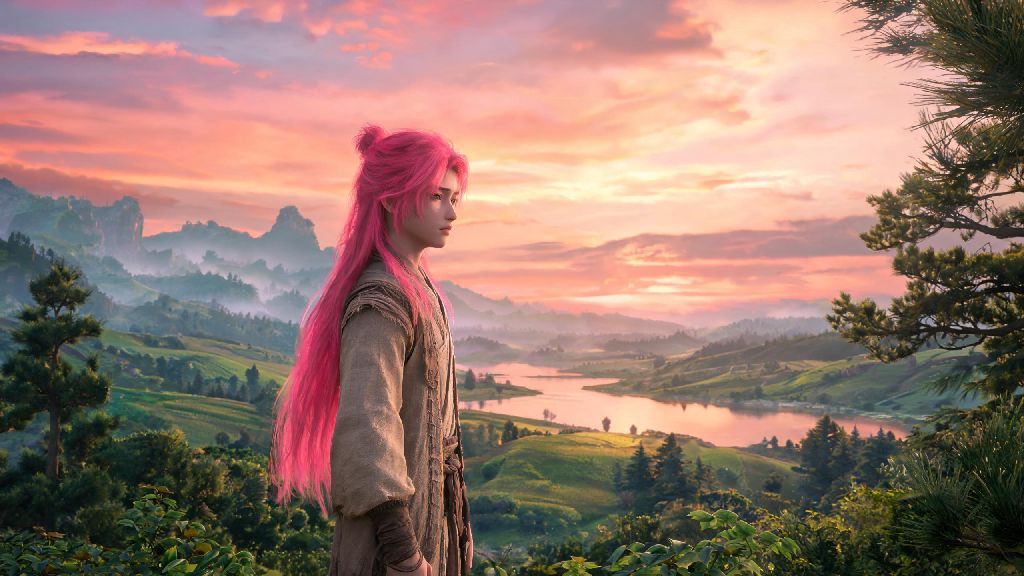
If you’re like most new Where Winds Meet players, you probably spent 15 to 20 minutes tweaking every detail of your character in the opening creation menu, only to decide you hate your default hair color 10 hours into exploring the open world. You don’t have to grind through a whole new save file to fix that, either. This guide walks through everything you need to know to adjust your look without missing out on your existing progression, including how to change hair color where winds meet with no complicated workarounds.
First: What You Need to Know Before You Change Hair Color in Where Winds Meet
Before you run off looking for dye options, there are a few basic requirements you have to meet first. The game locks character appearance adjustments until you complete the opening prologue, to prevent players from accidentally modifying their character before they’ve even gotten a feel for the world. You won’t have to grind for dozens of hours to unlock this feature, though, most players hit the required milestone in their first two hours of play.
You do not need to restart your save file to adjust your character's hair color, despite what some outdated forum posts might claim. This feature was added in the first post-launch patch, so all current game versions support post-creation hair changes. All hair dye options are accessible for free through in-game progression, no premium currency or paid DLC is required to unlock even the rarest shades.
To unlock hair color changes, you’ll need to meet these three core prerequisites first:
If you haven’t hit these marks yet, just keep pushing through the main story quests until you enter Qinghe City. The game will pop up a tutorial notification the second you unlock the customization menu, so you won’t miss it.
Finding Hair Dye Vendors and Unlocking Rare Colors
Basic hair dyes (black, brown, dark red, dark blonde) are sold at the general store in the center of Qinghe City, right next to the blacksmith. Each basic dye costs 200 copper coins, and you can buy as many as you want as long as you have the coin for them. You don’t have to do any special side quests to access these options, they’re available the second you step into the city.
Rare shades like silver, deep crimson, pastel blue, and forest green are not sold at regular vendors. You’ll have to earn these by completing specific side quests, looting hidden chests in mountain areas, or defeating high-level bandit camp leaders. Rare neon and pastel hair colors are only obtainable from hidden chests in high-level mountain areas, so don’t waste time looking for them in low-level starter zones. If you picked the scholar class when you created your character, you’ll get a free exclusive indigo dye as a starting bonus, you can find it in your inventory’s storage tab the second you unlock Qinghe City.
You can also get random dye drops from foraging wild flowers across the map, but these drops are rare. It’s faster to save up for basic dyes or run side quests for rare shades if you have a specific color in mind. I once spent three hours foraging peonies trying to get a pastel pink dye, only to get it as a reward for a 10-minute side quest helping a florist in Qinghe City, so don’t make that same mistake.
Step-by-Step Process to Adjust Your Hair Color In-Game
Once you have your dye of choice and you’re in a safe zone, the process to change your hair color takes less than a minute. First, make sure you’re not in a combat instance, story quest cutscene, or restricted area, the customization option will be grayed out in those spaces. You can adjust your hair color anywhere in Qinghe City, any player camp, or any open world area that’s not marked as a restricted quest zone.
Open your inventory menu using the default “I” key, then click the small mirror icon on the top right corner of the screen to open the character customization menu. Select the “Hair” tab on the left side of the menu, then scroll through the available dye options you have stored in your inventory. Click on any dye to preview how it looks on your character before you confirm the change.
Always preview your hair color in both daylight and night lighting before confirming, because some dyes look completely different when the sun goes down. I made that mistake once when I used my only pastel purple dye right before a desert quest, and it looked almost white under the harsh desert sun, so I had to switch back to black until I found another rare purple dye. Once you’re happy with the preview, click the “Confirm” button to apply the change permanently. You can change your hair color as often as you want, but you will use up one dye each time you make a switch, so don’t waste rare shades on looks you’re not sure you’ll keep.
Common Mistakes to Avoid When Changing Your Hair Color
Even though changing your hair color is a simple process, there are a few common mistakes that new players make all the time that waste their coins and rare dyes. First, don’t buy dyes from wandering merchants that you run into across the open world. Wandering merchant dye prices are marked up by 200% on average, so always buy from city vendors when possible. The only exception is if a wandering merchant is selling a rare shade you’ve been looking for for weeks, it might be worth the extra coin if you don’t want to grind for it.
Second, don’t try to change your hair color while you’re in a story quest instance. The customization option might appear to be available, but the change won’t save, and you’ll lose the dye you used. Always wait until you’re back in an open safe zone before you adjust your appearance. Third, don’t waste rare dyes on a hair style that’s mostly covered by your favorite headgear. If you wear a straw hat or heavy warrior helmet 90% of the time, there’s no point using a rare pastel dye on a color no one will ever see.
Hair color does not give any stat bonuses, so choose a look you enjoy instead of chasing meta advantages. Some new players assume certain shades give hidden buffs to charisma or combat stats, but that’s a total myth. All hair color changes are purely cosmetic, so you don’t have to pick a shade you don’t like for gameplay benefits.
Customizing your character to match your personal style is one of the most fun parts of exploring the wuxia world of Where Winds Meet, and you don’t have to be stuck with the look you picked in the opening character creator. You can swap your hair color as often as you want to match your new armor, your playstyle, or even just your mood for a day of exploring or running quests. Now that you know how to change hair color where winds meet, you can tweak your look whenever you want without wasting time or resources on avoidable mistakes.